
- Select Finance Desk – Nominal from Caliq Menu.
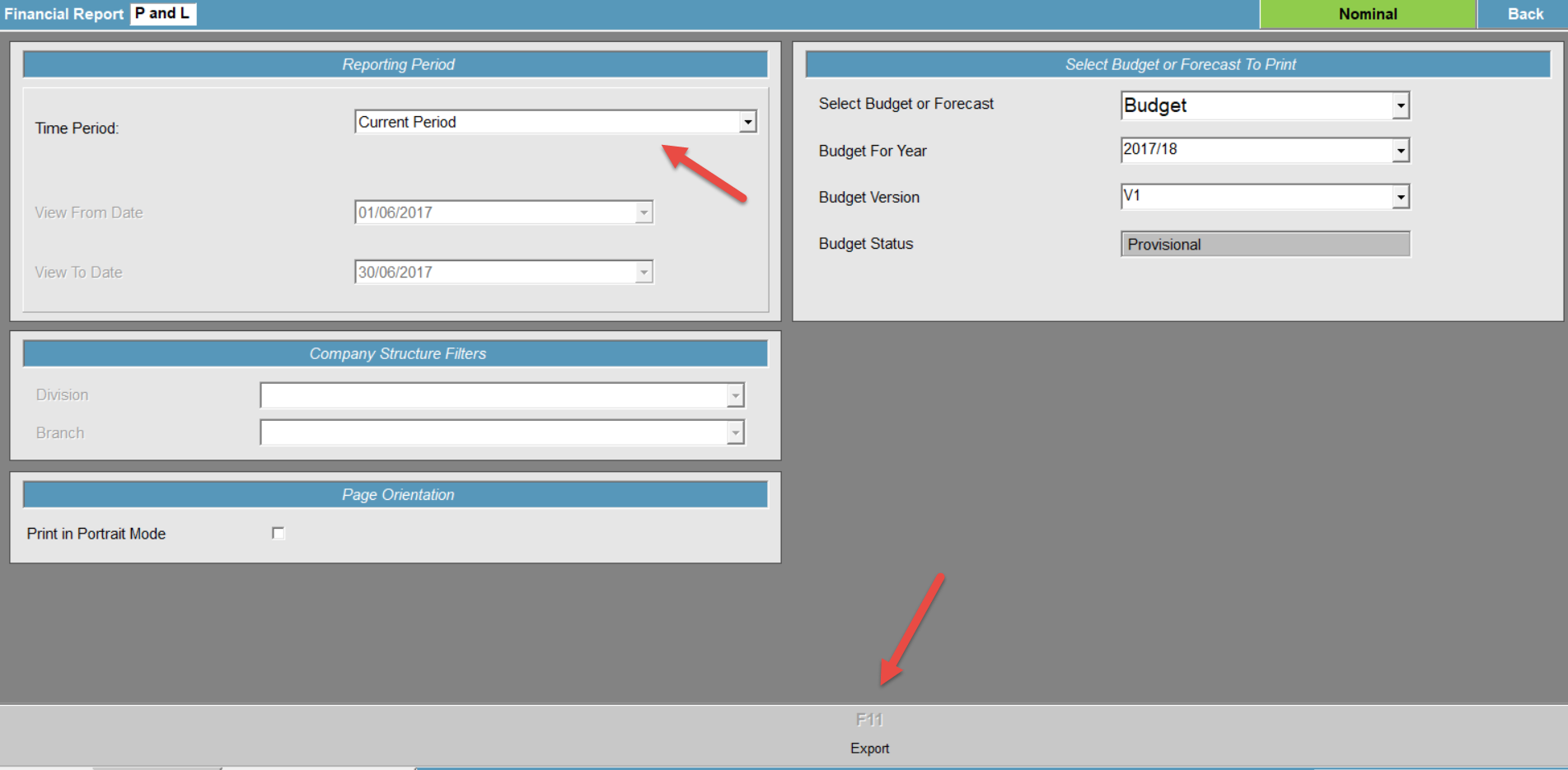
- Select F11 Financial Reporting.
- Double-click on Profit and Loss Report.
- The time period will default to the current period - you can change this if required.
- Select F1a Export.
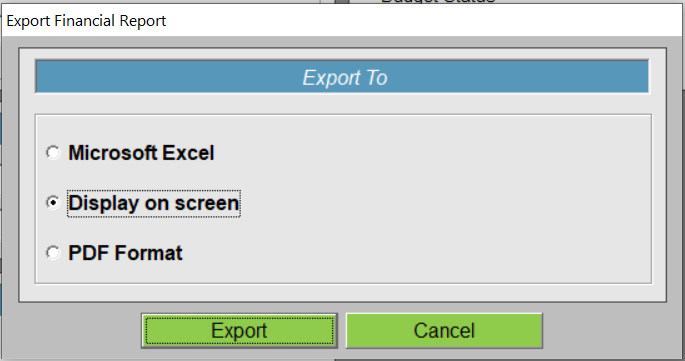
- The following popup allows you to select how you want to produce the report. Select the option required and then Export.
- The screen will process both the Profit and Loss Report and the Balance Sheet as these are linked.
- The Profit and Loss will show Current Period Actual and Current YTD Actual.
- The Balance Sheet show Current YTD Actual.
How to Run a Profit & Loss and Balance Sheet Print
Modified on: Wed, 10 Mar, 2021 at 10:42 AM
Did you find it helpful? Yes No
Send feedbackSorry we couldn't be helpful. Help us improve this article with your feedback.